

Wondering how to delete HBO Max account? Well, fret not, as in this article, we will be looking at all you need to know about how to delete your HBO Max account without much hassle.
Similar Posts
What Is HBO Max?
For almost 50 years, HBO has reigned supreme in premium subscription content. It currently operates seven 24-hour channels with original and licensed content of high quality.
The company took its first steps into the digital age with HBO more than five years ago, now laying the foundations for a much-expanded service called HBO Max.
HBO Max is a streaming platform owned by Home Box Office and Warner Media. It houses HBO’s premium TV shows, movies, and programming from the Warner Media Library.
Either directly or indirectly, every new HBO or Warner film ends up on HBO Max.
Subscribers can watch over 10,000 hours of content, including HBO shows like The Sopranos and Game of Thrones, recent films like The Matrix trilogy, The Lord of the Rings film series, and the Studio Ghibli catalogue.
HBO Max is also home to the most popular show of the 90s and early 2000s: Friends.
HBO burst onto the scenes in the United States in May 2020, primarily replacing the two previous streaming services, HBO Go and HBO Now.
The service is now available in over 50 countries, and as of January 2022, the total number of HBO and HBO Max subscribers stood at 73.8 million.
In 2022, all of Warner Bros’ major theatrical releases will be available on HBO Max 45 days after being released in theatres.
How Does HBO Max Work?
You simply access the service from a computer, phone, or other supported device, choose the program you want to watch and begin streaming, just like with most streaming services.
The web and app interfaces divide content into “hubs” such as Cartoon Network, DC Comics, Studio Ghibli, and, of course, HBO.
This will allow you to browse and find the content you want to watch quickly.
The media files themselves are stored on a remote server, and you should not experience any stuttering or pause as long as you have a consistently good internet connection.
HBO suggests a minimum speed of 5mbps for HD streaming, but for the best experience, you may want to increase that slightly.
Now, you can also download shows and movies offline on the ad-free plan, but only through the official Android or iOS apps.
How to Delete HBO Max Account
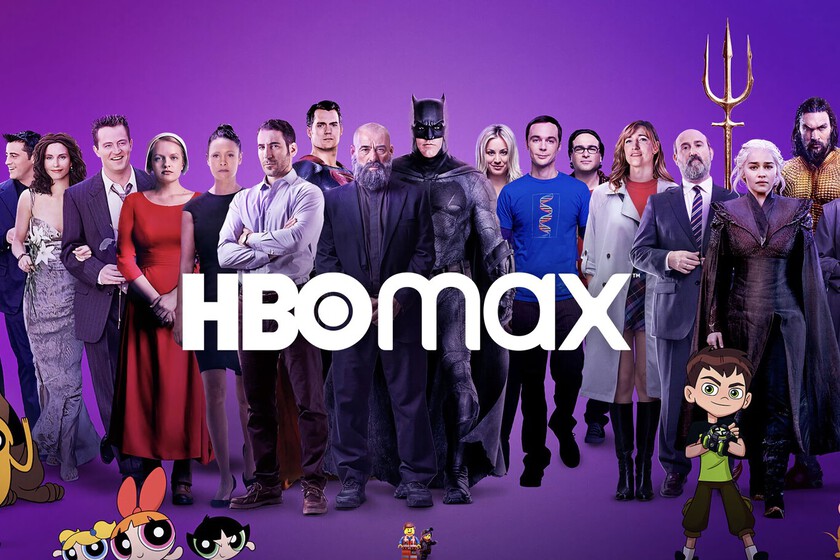
You can delete your HBO Max account by visiting the official HBO Max website, using the HBO Max mobile app for Android or iOS, or using your smart TV or streaming box.
The steps for deleting your account are the same for all these options.
You must cancel your recurring monthly subscription to completely and permanently delete your account.
To do so, take the following steps:
- Open the HBO Max app on your preferred platform – the website, mobile app, smart TV, or streaming box.
- Click or tap the Profile icon, which is located on the phone’s bottom edge or the left side of the screen on a tablet or computer.
- Select Billing Information, then Manage Subscription by clicking or tapping the Settings button.
- Cancel Subscription should be clicked or tapped.
- Confirm your cancellation and keep the expiration date in mind.
After completing these steps, you must have completely deleted your HBO Max account and will no longer have access to it.
Deleting Your HBO Max User Profile
HBO Max personalizes your viewing experience by making recommendations based on what you watch and allowing you to create a personal watchlist.
But what if your tastes don’t match those of the other people on your subscription? Profiles allow you to choose who uses your HBO Max account, allowing you to create separate spaces and recommendations for each user.
In addition to standard adult accounts, you can create kid accounts with viewing restrictions based on the content rating.
You might also want to delete a profile rather than your entire account. Because HBO Max only allows you to have five profiles open at once, you may need to delete one.
To do so, take the following steps:
- Open the HBO Max app on your preferred platform – the website, mobile app, smart TV, or streaming box.
- When prompted to choose a profile, click or tap Manage Profiles at the bottom of the screen.
- Under the profile you want to delete, click or tap Delete.
- To confirm this action, click or tap Delete once more.
After completing these steps, you will be returned to the Manage Profiles screen, and the profile will be deleted. Repeat this process for any other HBO Max profiles you no longer want or require.
Problems You Might Encounter When Trying to Delete Your HBO Account
Q: I can’t find an option to remove my profile.
HBO Max requires that you have at least one active profile to access the service, so you cannot delete the main profile on your account.
You can, however, change the name of your profile by selecting Manage Profiles and then clicking the profile name.
Q: When I open HBO Max, no profiles are displayed.
A: If you previously selected a profile, HBO Max may not prompt you to reselect one when you reopen the application.
Log in to HBO Max and click the user button on the left side of the screen to change users. Select Switch Profiles in the centre of the screen.
Frequently Asked Questions
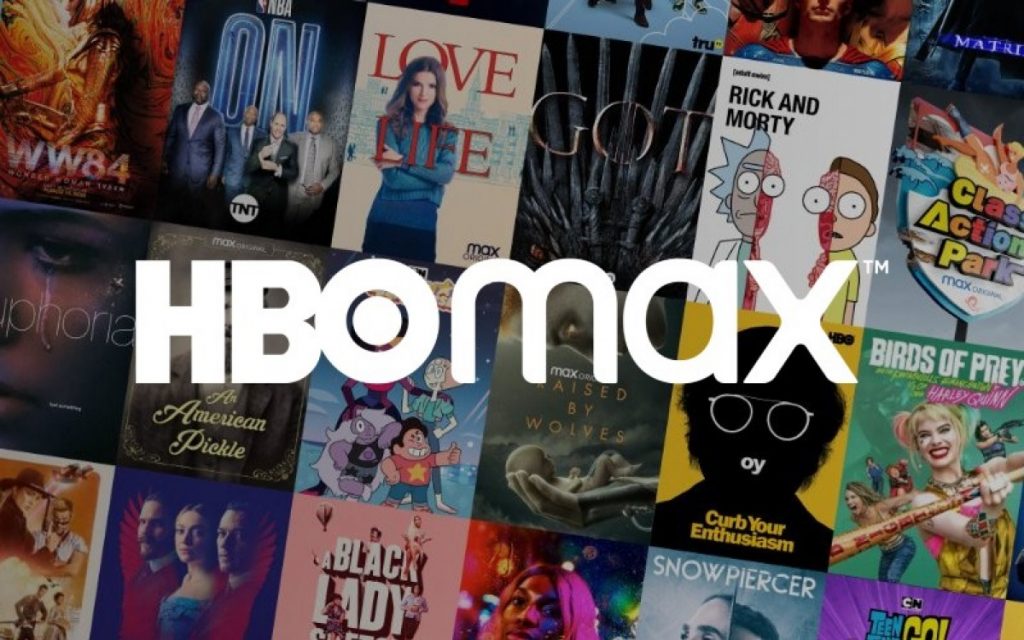
These are some frequently asked questions about HBO Max.
Which Countries Is HBO Max Available In?
HBO Max was initially only available in the United States. It has since spread throughout Latin America, Europe, and beyond.
Here is the complete list of countries that are supported:
Andorra
Andorra
Antigua
Argentina
Aruba
BVI
Bahamas
Barbados
Belize
Bolivia
Bosnia and Herzegovina
Brazil
Bulgaria
The Cayman Islands
Chile
Colombia
Costa Rica’s
Croatia
Curacao
The Czech Republic
Denmark
Dominica
Dominican Republic (DR)
El Salvador, Ecuador
Finland
Grenada
Guatemala
Guyana
Haiti
Honduras
Honduras
Jamaica
Mexico
Moldova
Monserrat
Nicaragua
Macedonia, North
Norway
Panama
Paraguay
Peru
Poland
Portugal
Romania
Serbia
Slovakia
Slovenia Slovenia
Saint Kitts and Nevis
Saint Lucia
St. Vincent
Spain
Suriname
Sweden
Trinidad and Tobago (T&T)
Turks and Caicos Islands
Uruguay
Venezuela
What Movies and TV Shows Are Available on HBO Max?
HBO offers a wide and interesting variety of movies and TV shows. Here are some options for you to choose from:
TV Shows Available on HBO Max:
Adventure Time
Babylon 5
Band of Brothers
Big Bang Theory
The Boondocks
Chernobyl
Curb Your Enthusiasm
Doctor Who
The Electric Company
Flight of the Conchords
The Flintstones
Fresh Prince of Bel-Air
Friends
Game of Thrones
Ghosts
Happy Endings
Home Movies
The Jetsons
Looney Tunes
The Nanny
The Office (UK)
Prodigal Son
Rick & Morty
Rome
Samurai Jack
Sesame Street
Sex and the City
The Sopranos
South Park
Top Gear
True Detective
Watchmen
Westworld
The Wire
Movies Available On HBO Max:
2001: A Space Odyssey
Casablanca
The Dark Knight
Joker
The Lord of the Rings: The Return of the King
No Sudden Move
Citizen Kane
Singin’ in the Rain
The Wizard of Oz
Let Them All Talk
Locked Down
The Hangover
An American Pickle
Goodfellas
Current Movies and TV shows on HBO Max:
Adventure Time Distant Lands: BMO
An American Pickle
Class Action Park
Close Enough
Craftopia
The Dog House
Doom Patrol
Expecting Amy
The Flight Attendant
Frayed
The Fungies
Genera+ion
HA Festival: The Art of Comedy
Hacks
Infinity Train
Karma
Legendary
Looney Toons Cartoons
Love Life
The Not-Too-Late Show with Elmo
On The Record
Pure
Raised by Wolves
Ravi Patel’s Pursuit of Happiness
Rose Matafeo: Horndog
The Staircase
Search Party
Selena + Chef
Singletown
Tig n’ Seek
Zack Snyder’s Justice League
What Is the Price of HBO Max?
HBO Max offers two plans: one ad-supported for $9.99 per month and one ad-free for $14.99 per month. This is significantly more than platforms like Apple TV Plus or Disney Plus but provides significantly more content.
The ad-supported plan is slightly less expensive but includes up to four minutes of advertising per hour. It also lacks extra features like 4K streaming and offline viewing.
However, ads will not appear on any HBO originals, allowing you to watch shows like Game of Thrones and The Sopranos uninterrupted.
How Can I Watch HBO Max?
HBO Max is available on various devices, including television, phone, tablet, and computer. Here’s a complete list of devices that support HBO Max:
iPhone, iPad with iOS 12.2 or newer
Android phones and tablets with Android 5 or newer
Amazon Fire tablets (fourth generation or newer)
PC running Windows 7 or newer
Mac with macOS 10.10 (Yosemite) or newer
Google Chromebooks with Chrome browser version 95 or newer
A web browser (Chrome, Firefox, Microsoft Edge, Safari)
Amazon Fire TV with Fire OS 5.1 or newer
Android TV with Android OS 5 or newer
Apple TV 4K / Apple TV HD with the latest tvOS software
Cox Contour 2 and Contour Stream Player
LG Smart TV
PlayStation 4 & PlayStation 5
Samsung Smart TVs (2016 models or newer)
Spectrum WorldBox (in select areas)
Vizio Smart TVs (2018 models or newer)
Xbox One & Xbox Series X|S
XClass TV
Xfinity X1 & Flex
Chromecast
AirPlay
Roku
Conclusion
For the content they churn out, HBO sure provides value for money.
It is understandable if you might have reservations about their services that might make you want to end your subscription and delete your account.
I hope this article on how to delete HBO account was helpful. Kindly drop a comment and share if you found it useful.